Note: This support article is part of a series for our advanced Replacement Management System (RMS). If you have a question regarding this advanced feature that hasn't been answered, please connect directly with your Account Manager or custom Technical Architect.
Overview
To learn more about our advanced Replacement Management System (RMS), please read this linked support article.
Related guides
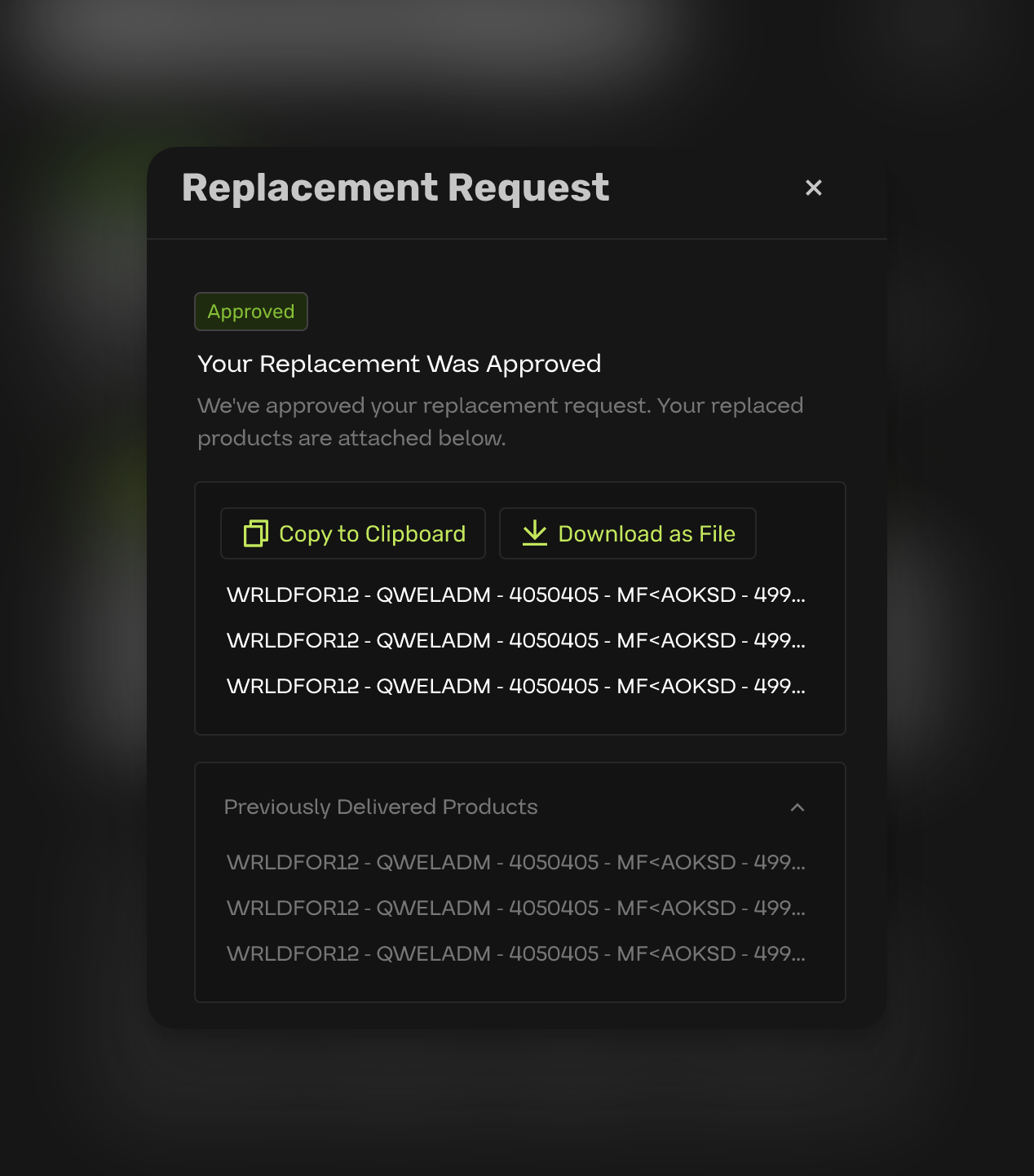
Your Antistock replacements dashboard gives you a single place to review open requests, automation rules, revenue from Priority plans, and evidence customers submit. For step-by-step guides on Priority revenue, auto-approve rules, and the customer-facing flow, see:
- How do I enable revenue collection with Priority replacements?
- What are the auto approve settings for the Replacement Management System (RMS)?
- What do my customers see when requesting a replacement?
Dashboard view